Drivers — How to Charge
Plug in. Tap start. That's it.
Everything you need to charge at a US Supercharge station, from downloading the app to grabbing your receipt.
$30 hold
Live tracking
Receipt in the app
Help day or night
- 01
Step 01
Getting Started
Set up the app once, before you get to the charger.
- Download the US Supercharge app from the App Store or Google Play.
- Enable notifications for real-time charging updates.
- Add a payment method. A standard $30 pre-authorization hold applies.
- 02
Step 02
Start Charging
Two ways to start. Use whichever is easier.
FastestAt the charger
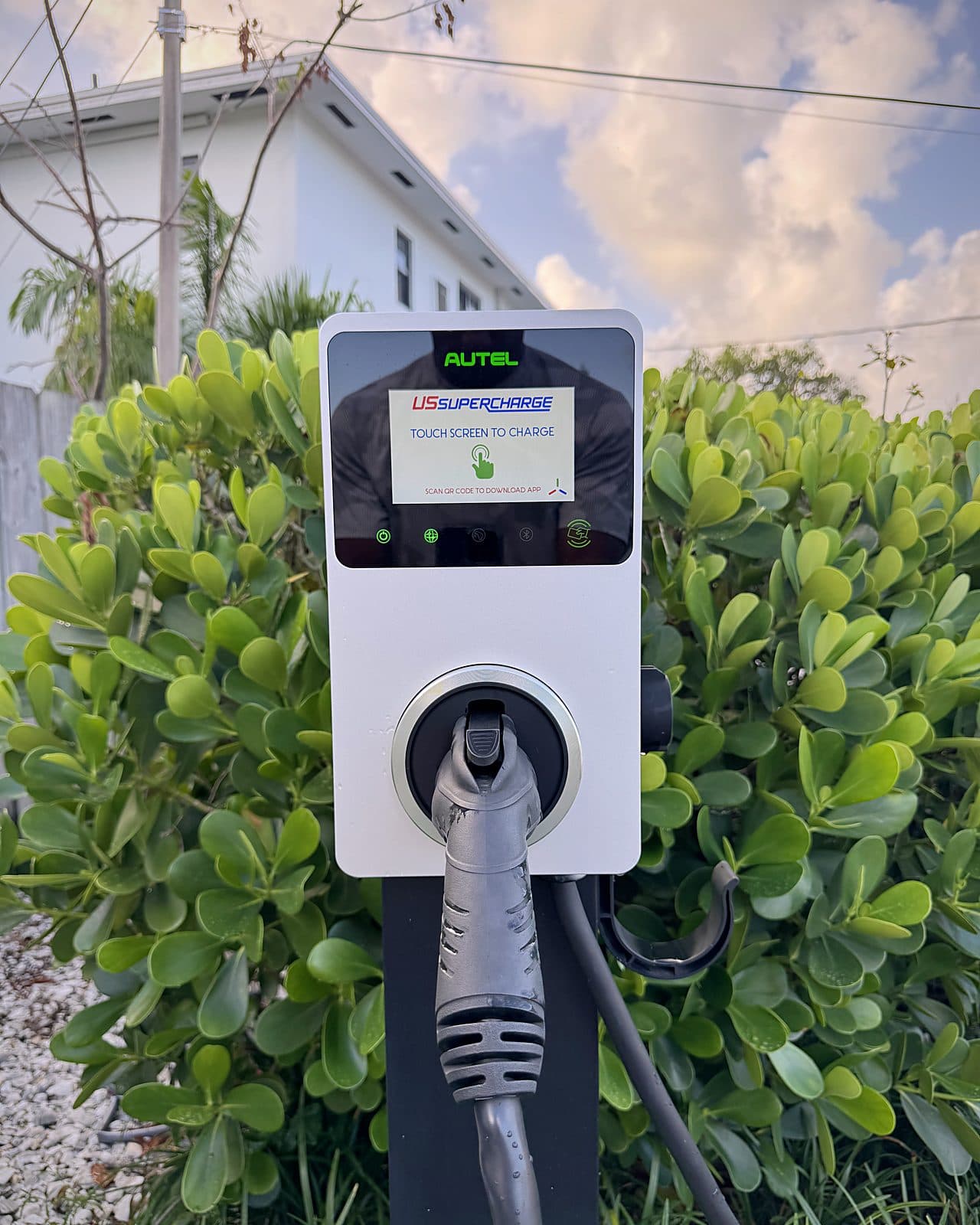
Scan the QR code
- 1Scan with the app scanner or your phone camera.
- 2No app yet? You'll be prompted to download it.
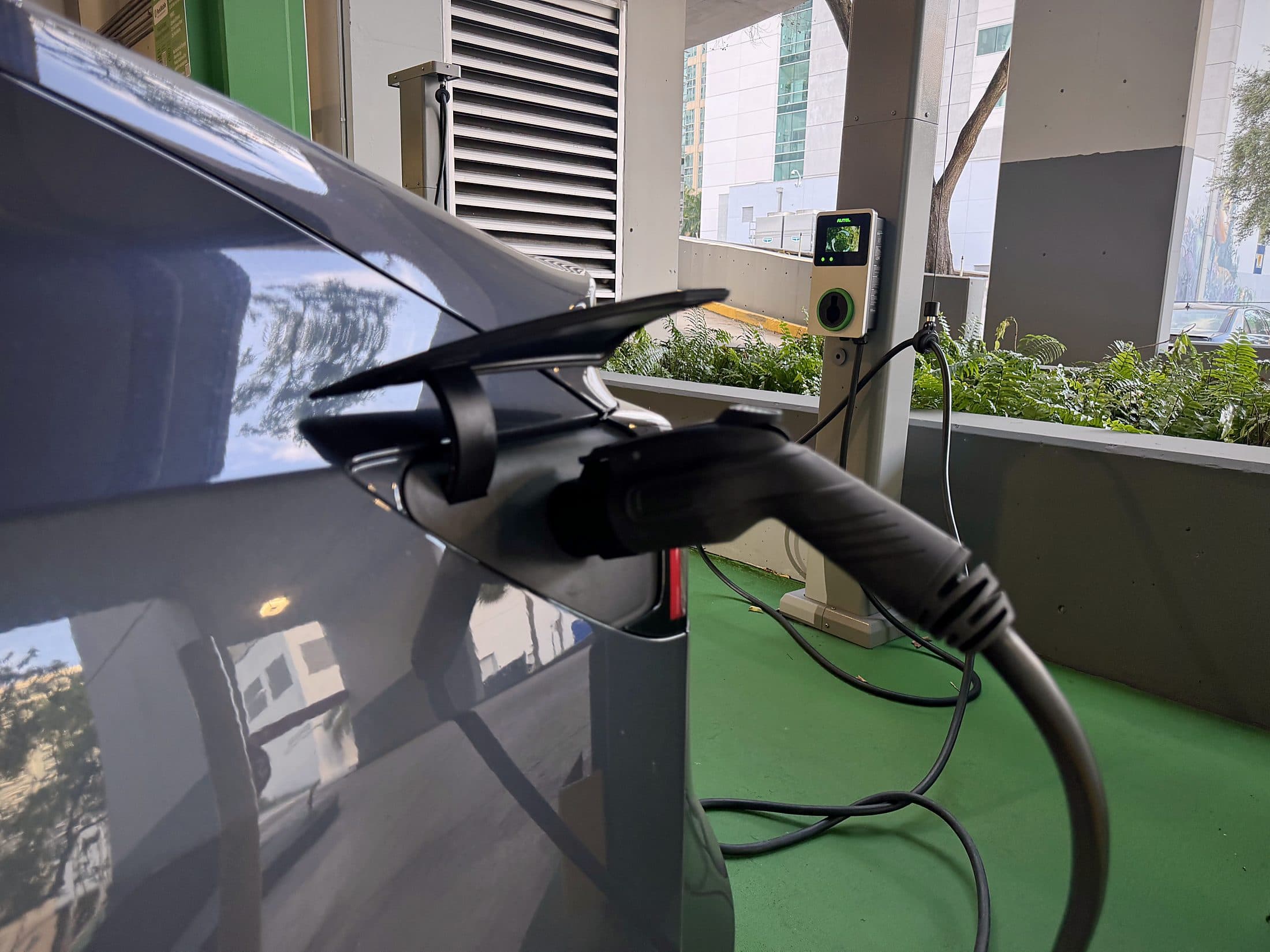
- 3Confirm the charger number, plug in and tap Start Charging.
Remotely
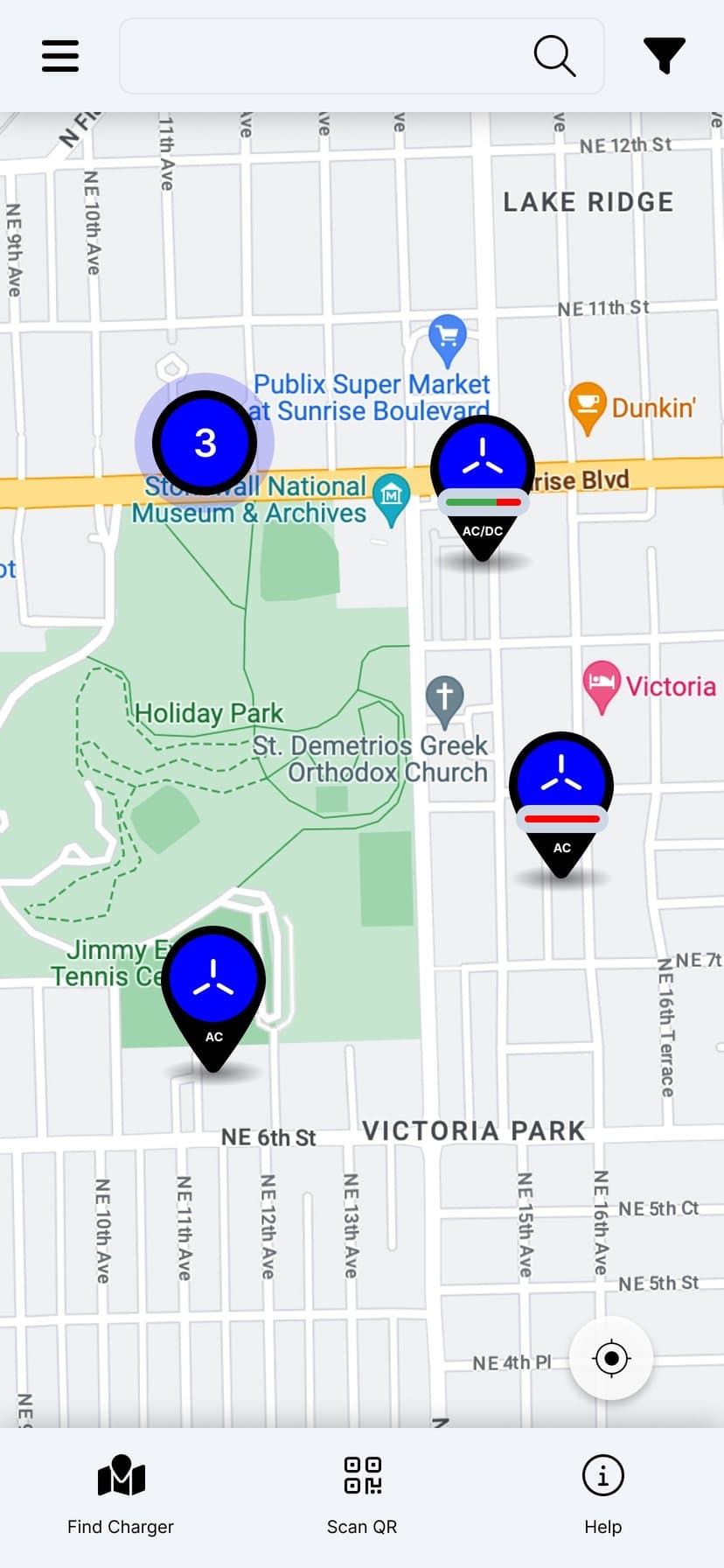
Use the in-app map
- 1Open the app and view nearby US Supercharge stations.
- 2Select a station, choose a charger and confirm its number.
- 3Plug in and tap Start Charging.
- 03
Step 03
During Charging
Follow your session live from your phone.
- Track speed (kW), percentage, cost and time remaining.
- Receive live updates through notifications.
- Verify charging through your vehicle's app.
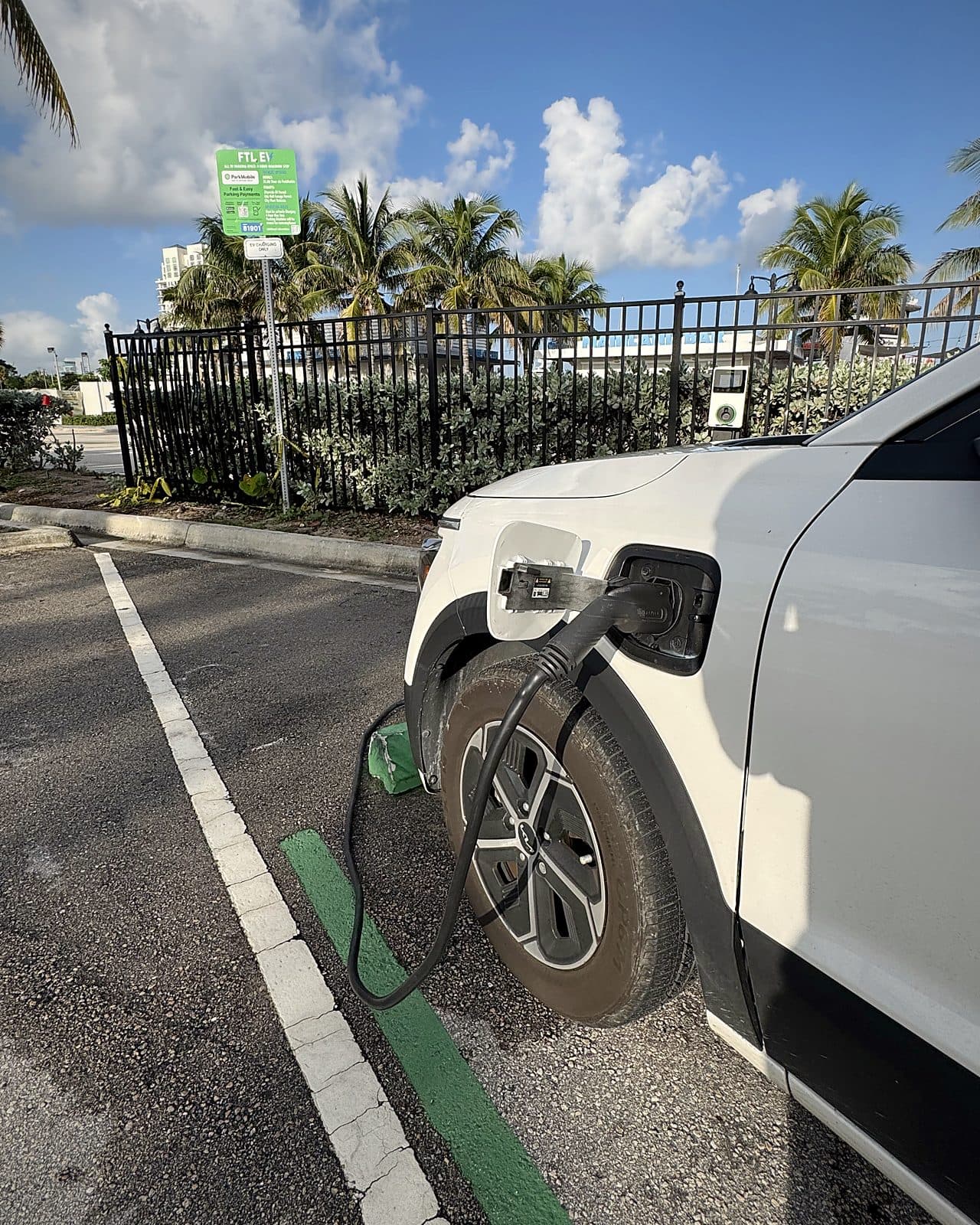
- 04
Step 04
Ending Your Session
Wrap up in the app, then return the cable.
- Open the app and tap End Session.
- For DC fast chargers, wait for the connector to unlock.
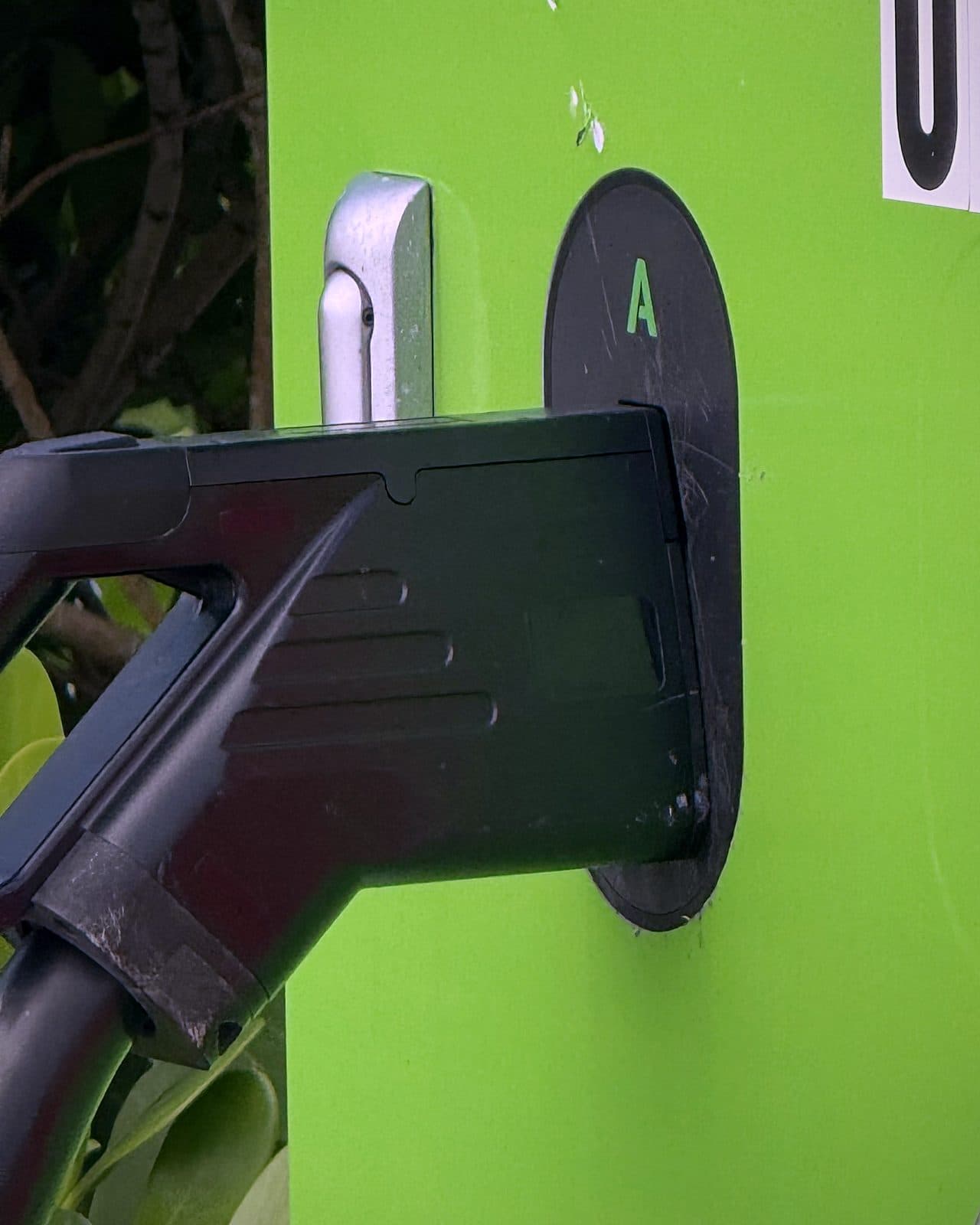
- Unplug, holster the cable and view your receipt in the app.
Charging stopped unexpectedly?
Unplug and re-plug, or contact support through the app. You can also talk with Scott, our AI voice assistant, day or night. More questions? Read the FAQs.
Get the App
Your charger is one scan away.
Download the US Supercharge app to find stations, start and track sessions, pay and get receipts.
Printable How to Charge guidePDF · 1 page